From Prototype to Production
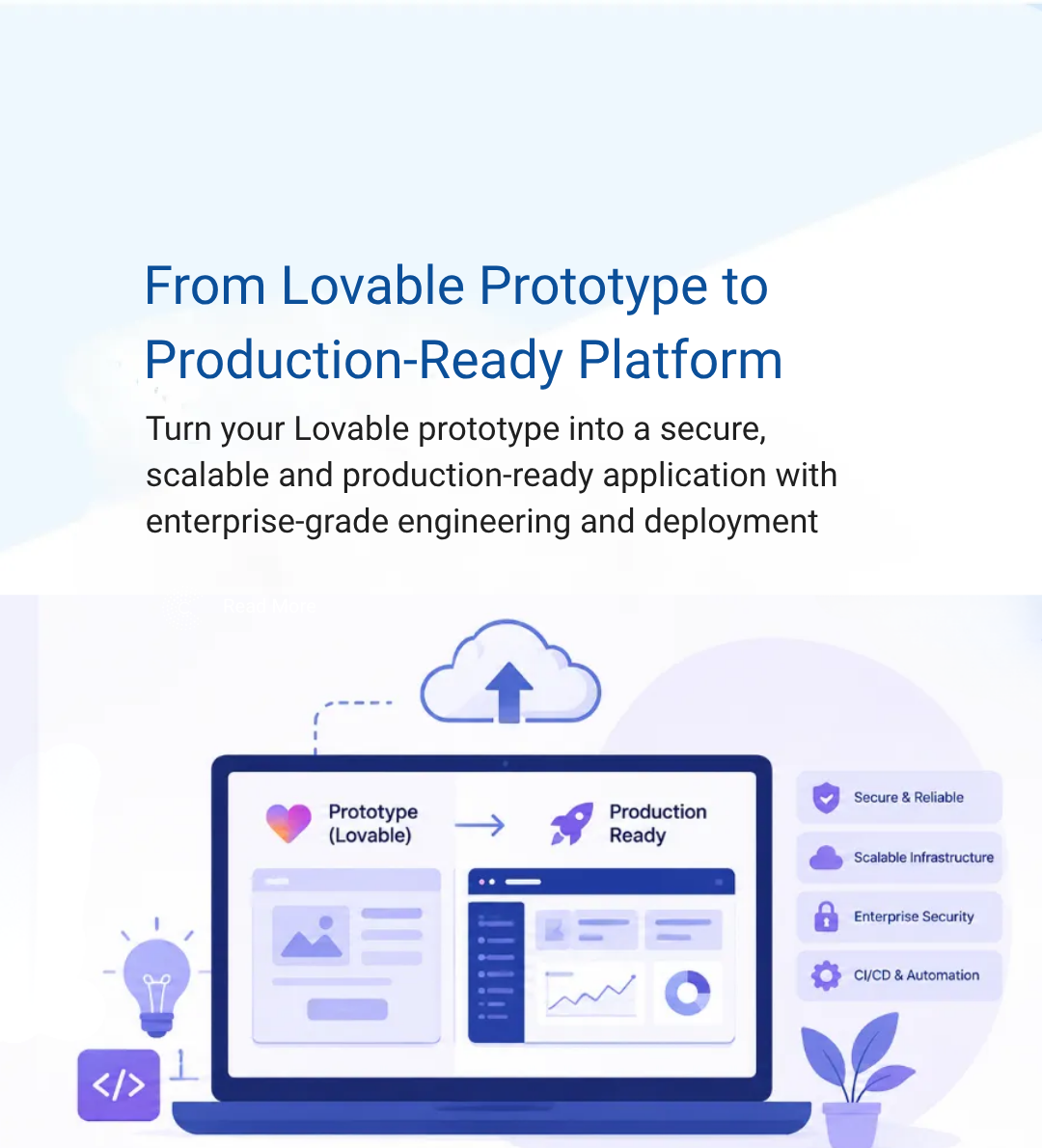
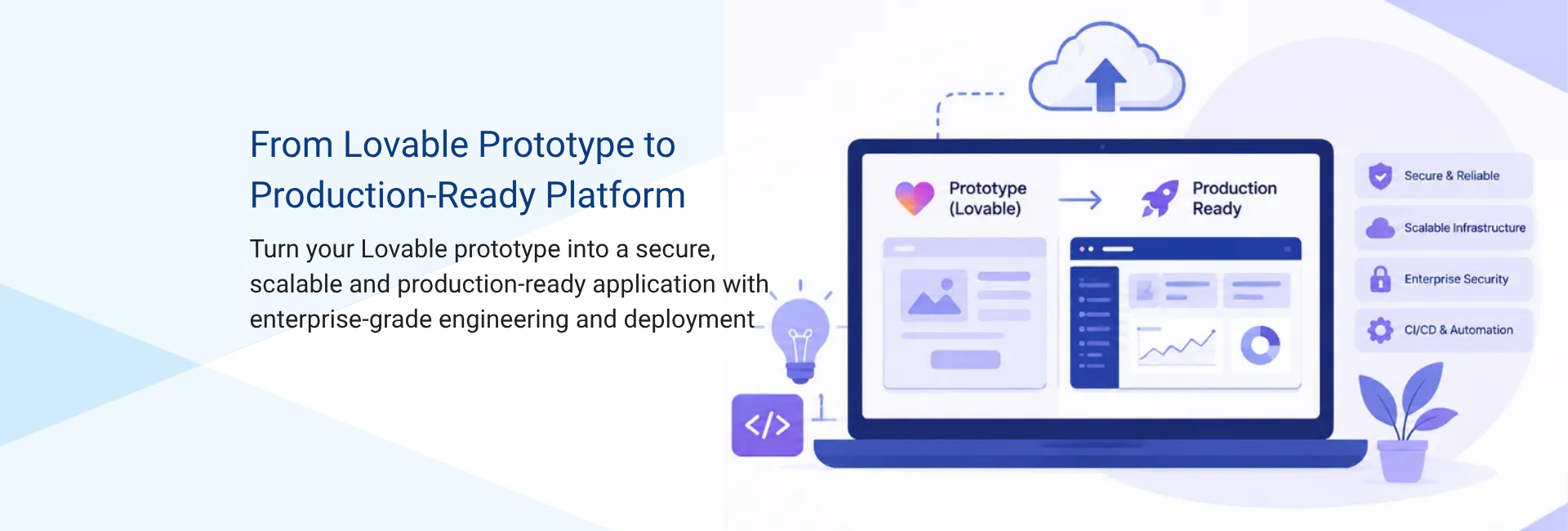
Many applications start as working no-code or low-code prototypes. The challenge is turning that prototype into a secure, scalable, production-ready platform without starting over.
A working prototype demonstrates the idea and user experience. Moving it into production requires a stronger foundation for security, data, user access, integrations, infrastructure, and ongoing operations.

A secure environment designed to protect application and sensitive data.
Secure user access and authentication for the production application.
Connecting the application with the external services and workflows needed for real-world use.
Building the cloud infrastructure and deployment processes needed to run and maintain the application in production.
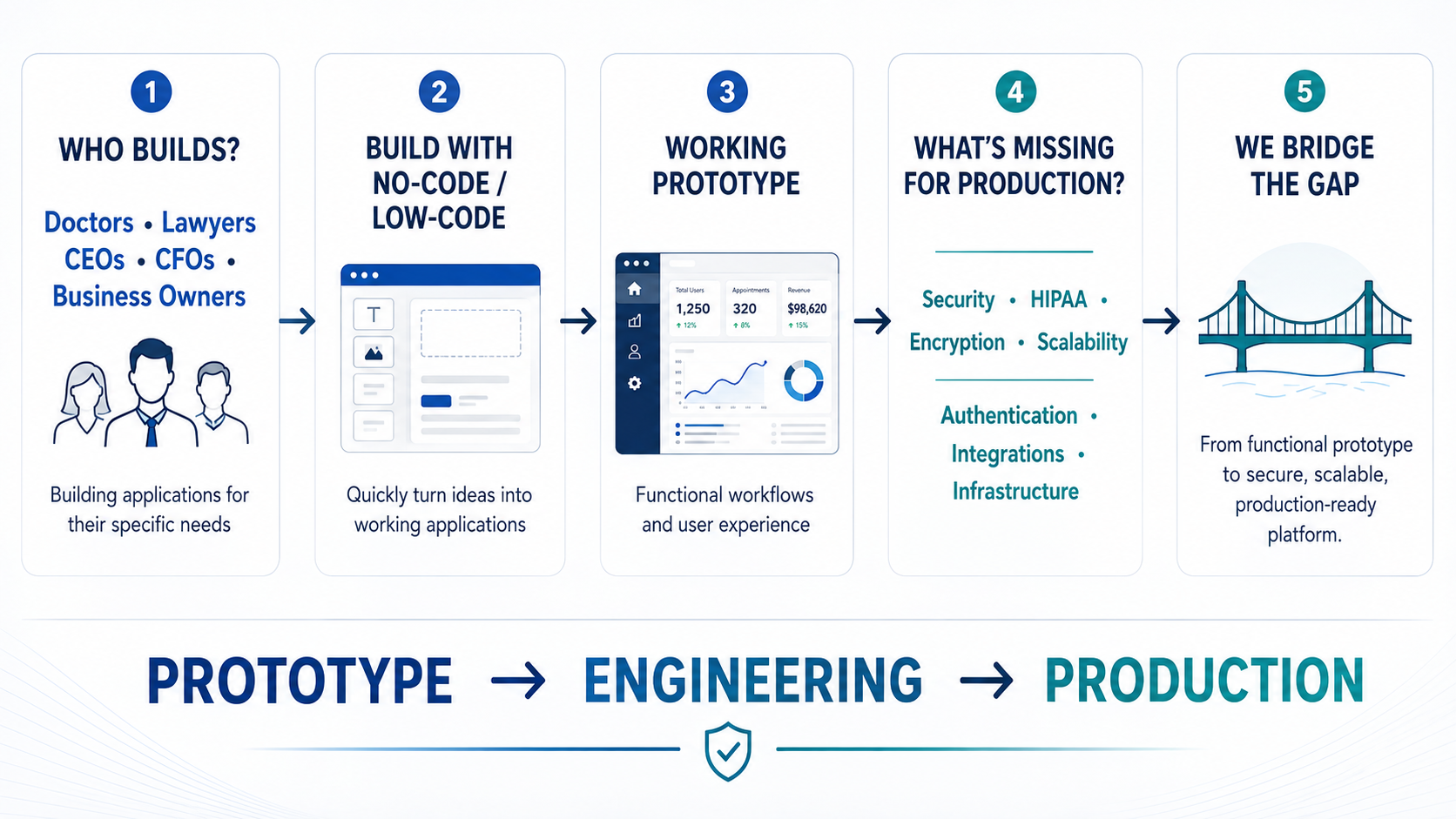
Rather than replacing a successful prototype, we build the production foundation around it, adding the engineering required for secure, scalable, real-world use.
Key Migration Areas
The migration covered authentication, application data, backend functions, storage, and production infrastructure.
Existing users were migrated into Supabase Auth through the Admin Auth API, allowing accounts to carry over without requiring a new registration flow.
Tables, relationships, and Row Level Security policies were recreated in the destination PostgreSQL database before existing data was imported.
Edge Functions were manually recreated in the self-hosted Supabase environment. AI-powered functions using Lovable-based APIs were updated to use Gemini with securely managed API credentials.
Storage buckets were created in the destination environment, files were migrated from the source project, and existing object paths were preserved.
Tables, indexes, RLS policies, triggers, functions, authentication flows, and migrated storage were verified after the migration.
Case Study: Scaling a Physician-Built EMR
A physician had built a high-fidelity EMR prototype in Lovable to support specific clinical workflows. We engineered the cloud infrastructure, security, authentication, healthcare integrations, and deployment pipeline needed to move the application to a self-hosted production environment while retaining the existing prototype and workflows.
Supabase was self-hosted on AWS within a private VPC, providing control over the database, API layer, authentication, and storage. The infrastructure used encryption at rest and in transit to protect sensitive healthcare data.
A custom SRFax integration enabled the EMR to send and receive medical records, including document transmission, conversion, attachment handling, and secure storage. Amazon SES was integrated for application and patient communications.
GitHub Actions was used to automate application testing and deployment. Amazon CloudFront was configured for frontend delivery, simplifying ongoing production releases and reducing manual deployment effort.
The production environment moved the application from managed services to infrastructure configured and managed within AWS.
| Layer | Original Environment | Production Environment |
|---|---|---|
| Frontend | Hosted through Lovable | AWS S3 with CloudFront, WAF, and Route 53 |
| Backend | Supabase Cloud | Self-hosted Supabase using Docker on EC2 |
| Networking | Managed environment | AWS VPC with public and private subnets, Internet Gateway, and NAT Gateway |
| Load balancing | Platform managed | Application Load Balancer with HTTPS and health checks |
| Security | Platform-managed security | AWS WAF, security groups, private networking, and access controls |
| Backups | Managed by the previous environment | AWS Backup with daily and monthly retention policies |
The Outcome
The physician's Lovable prototype was transformed into a self-hosted AWS healthcare platform, providing greater control over infrastructure and data while establishing a stronger foundation for security, healthcare integrations, and ongoing development.
From Idea To Production
A functional no-code or low-code application can be strengthened with the engineering required for a production environment without starting over.
Frequently Asked Questions
In this project, the application components managed through Lovable and Supabase Cloud were migrated to a self-hosted Supabase stack running on AWS.
No. Existing users were migrated directly into the destination Supabase Auth environment through the Admin API without requiring a new registration flow.
AI-powered Edge Functions that relied on Lovable-based AI APIs were updated to use the Gemini API, with the Gemini API key stored securely as an environment variable.
The destination PostgreSQL schema was recreated first, including tables, relationships, and Row Level Security policies. Existing application data was then imported and the migrated database was verified.

No. 51/2 - II Floor, Pandian Complex, Madipakkam Main Road, Madipakkam, Chennai-600091
A3, Anbu Complex, Balaiah Garden, (near Ponniamman Koil) Madipakkam,
Chennai-600091
Clustrex Inc
5121, Collin McKinney Pkwy, Ste 500, #1099, McKinney,
TX 75070
Tell us about your Lovable app and what production needs to look like — our team will scope the migration.